

Effortlessly Manage Your Fasthost File Downloads
Streamline File Downloads to Fasthost
Find clear, concise answers to your questions to enhance your Fasthost file management experience.
How do I upload a copied file to my Fasthost domain?
Simply select the file and use our platform to transfer it directly to your Fasthost web domain.
What file types are supported for download?
Our platform supports all common file formats compatible with Fasthost hosting services.
Is there a file size limit for uploads?
Yes, files up to 2GB can be efficiently managed and downloaded to your domain.
How do I access the downloaded files on Fasthost?
Files are accessible through your Fasthost control panel immediately after download.
Can I automate file downloads to Fasthost?
Yes, our tool supports automation via API integration for seamless file management.
Is my data secure during the file transfer?
We use encrypted connections to ensure your files are safely transferred to Fasthost.
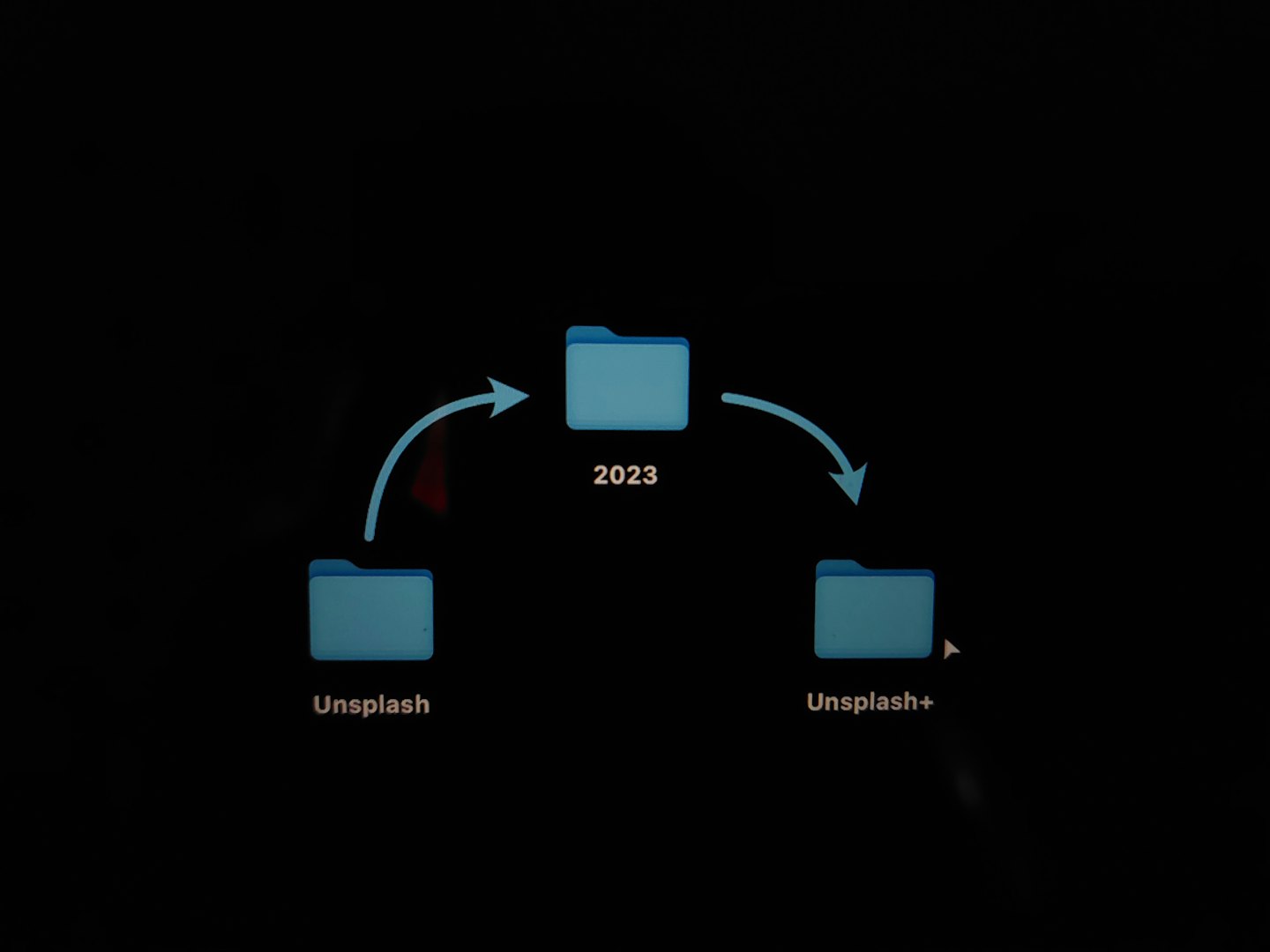
Simplify File Management and Hosting
Join us today to easily download and manage your files on Fasthost domains, enhancing your hosting experience with seamless integration and speed.
Streamline Your File Management with Ease
Discover how our platform simplifies downloading copied files directly to your Fasthost web domain, boosting hosting efficiency.
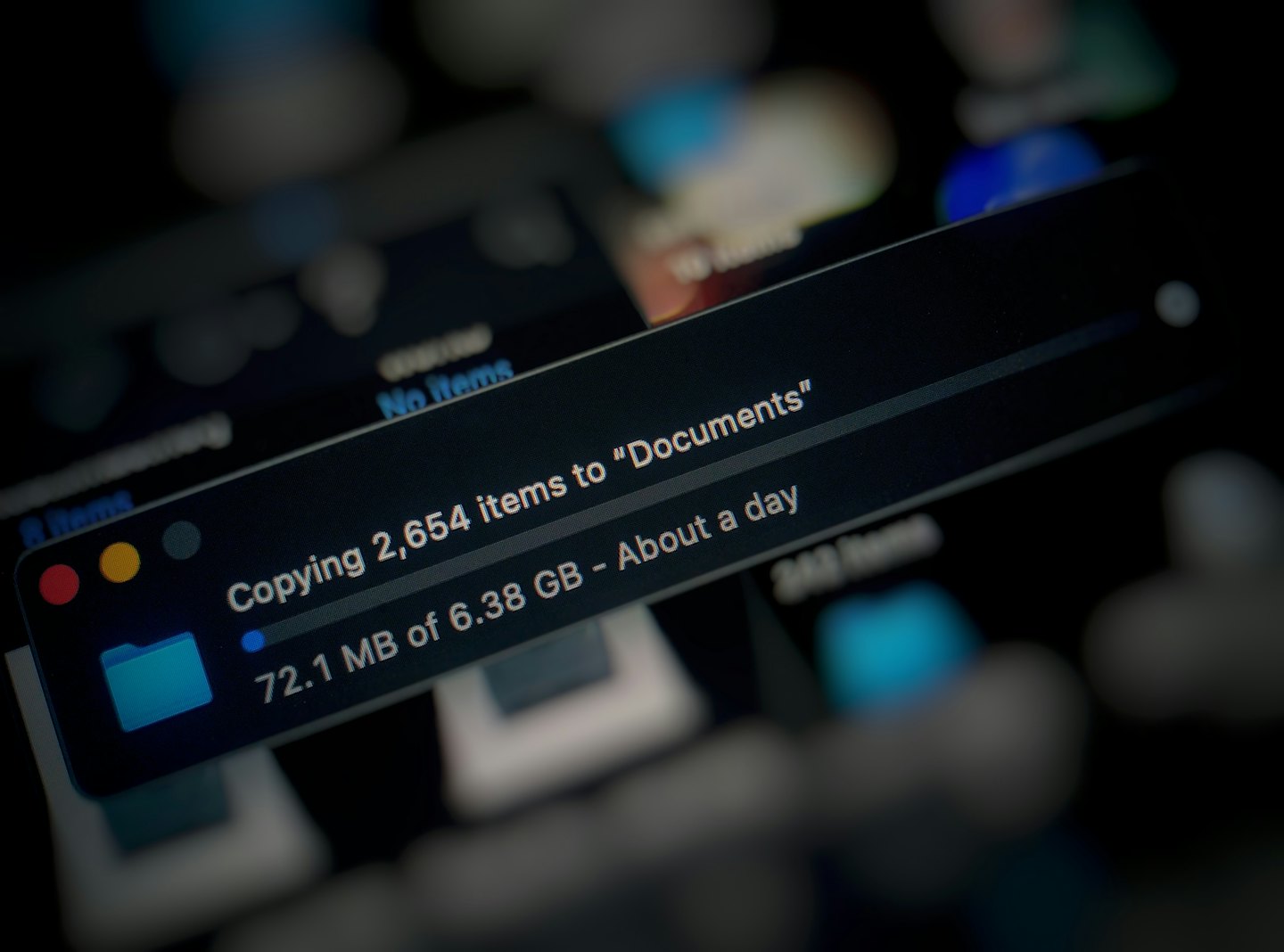

Effortless File Transfers
Quickly download copied files to your Fasthost domain, saving time and reducing manual steps in file management.

Seamless Integration
Our system integrates smoothly with Fasthost, ensuring reliable and automated file hosting processes for your convenience.

Optimized Hosting Workflow
Enhance your website maintenance by streamlining file deployment, improving reliability and reducing downtime.
Streamline File Management Efficiently
Explore how Project 1 enables seamless downloading of copied files directly to your Fasthost web domain, enhancing hosting workflows.
Easy File Copying
Quickly duplicate files to your hosting space with minimal effort.
Automated Hosting Integration
Automatically transfer files to Fasthost domains, reducing manual setup.
Secure Access Controls
Manage file permissions to ensure safe and controlled downloads.
How It Works
Discover the streamlined process that makes downloading and hosting files on your Fasthost web domain effortless and efficient.

Step One: Copy and Upload
Begin by copying your file and uploading it directly to your Fasthost domain, ensuring quick and secure file transfer.

Step Two: Manage with Ease
Organize your uploaded files seamlessly using our platform tools, enhancing your hosting workflow.

Step Three: Access and Share
Easily access your hosted files and share them via your Fasthost domain, simplifying collaboration and distribution.